 SHYGON Tap
 app · Android
Your Tap page, edited from your phone.
Change your photo, links and look, see your cards, share your QR, and order new cards. The same account as the website.
Download for Android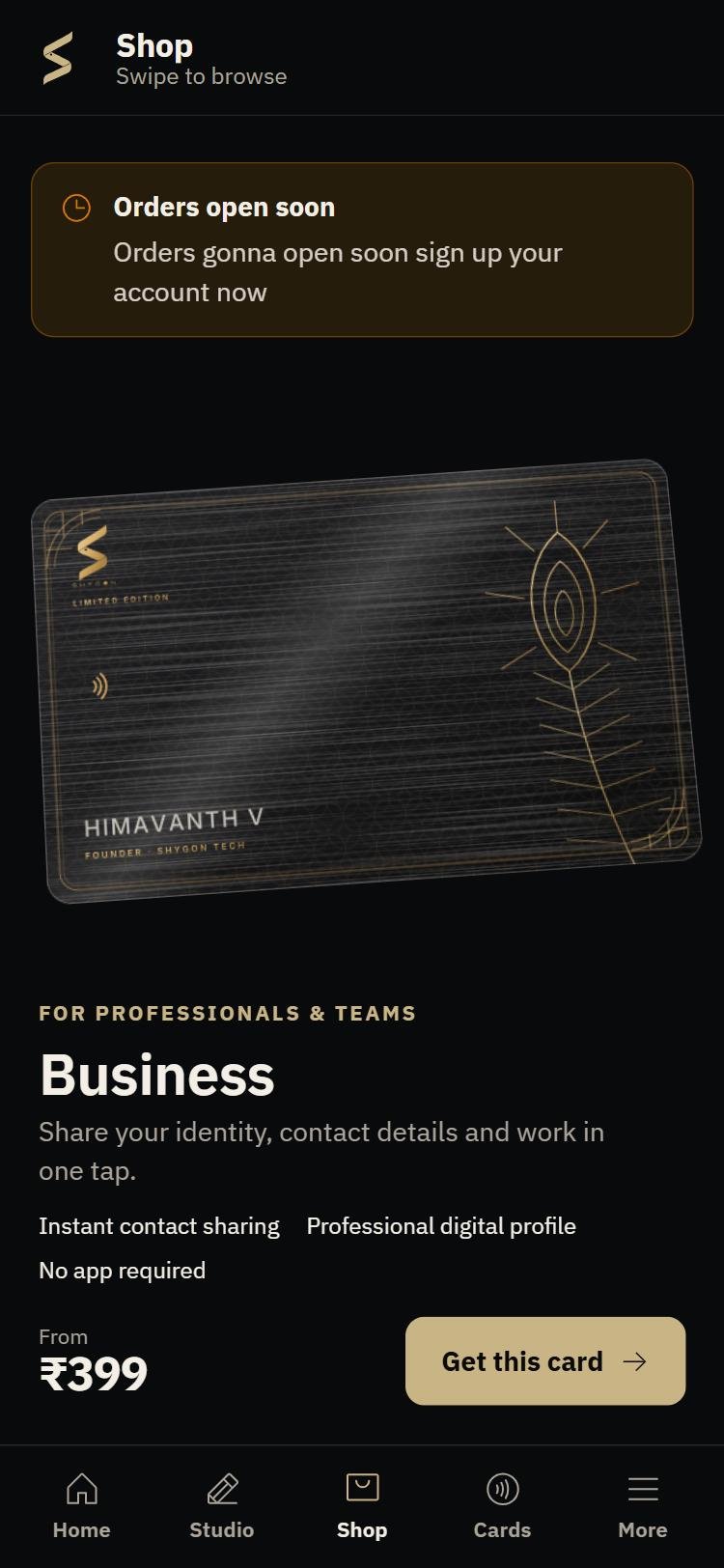
Install it in a minute
- Tap "Download for Android".Your browser saves
shygon-tap-1.8.apk. - Open the downloaded file.If Android asks, allow your browser to install apps, then come back and tap Install. The app is not on the Play Store yet, which is why Android asks.
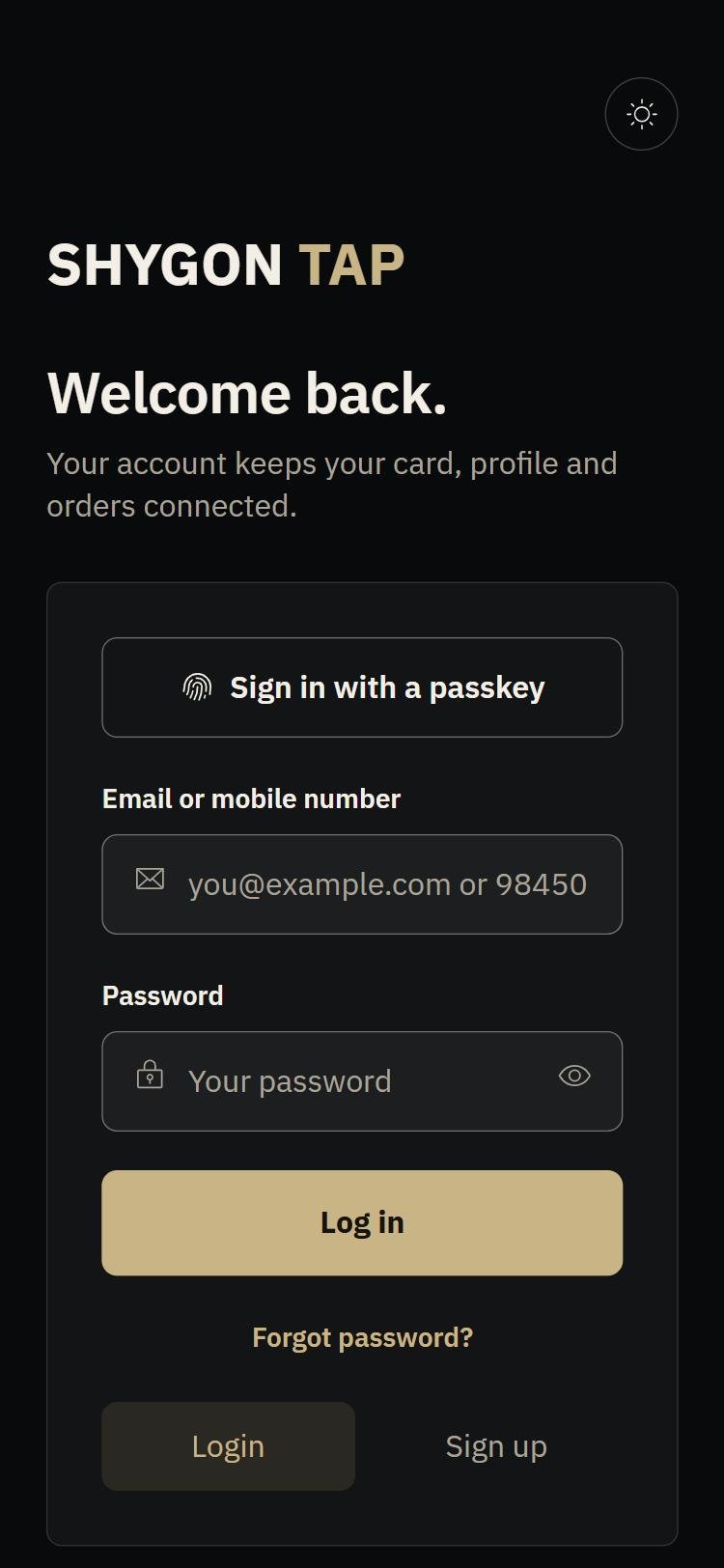
- Open SHYGON Tap and sign in.Use the email or mobile number you use on shygontech.com. New here? Sign up in the app.
Already have an older version? Install this one over it. You stay signed in.
What's in the app
HomeYour cards in a stack, with the page each one opens and one big Edit button.
StudioEdit your page while you watch it change: profile, contact, links, look, address.
ShopEvery card, one per screen, with live prices and the same checkout as the website.
CardsActivate a new card, report a lost one, and download your QR.
People who sent you their contactVisitors who tapped Exchange on your page, ready to call, WhatsApp or save.
Emergency CardSet up who to call and what to share, encrypted so only your card opens it.
New in 1.8
Stronger passwordsCommon passwords are refused, and "Suggest one" fills a strong one in easy-to-read groups.
Shop fixedPrices no longer hide behind the bottom bar.
Cleaner screensSolid title bars, no scroll-in animations, no extra scrolling on short screens.
ExchangeA double tap on someone's page can no longer send your contact twice.
On iPhone?
Open www.shygontech.com/shygontap/account in Safari, tap Share, then Add to Home Screen. It opens full screen with the same app layout.
Checking the file? Its SHA-256 is 106c8220e05f8e524097026543559ce99359fd1cf5c7836ee3b3262cc73878a8